AI Christmas photo prompts you can copy and paste
Who’s in it?
Pay, and it’s ready in about 20 seconds
Four pictures to pick from, no watermark, a link that opens on any phone. We email it to you too.
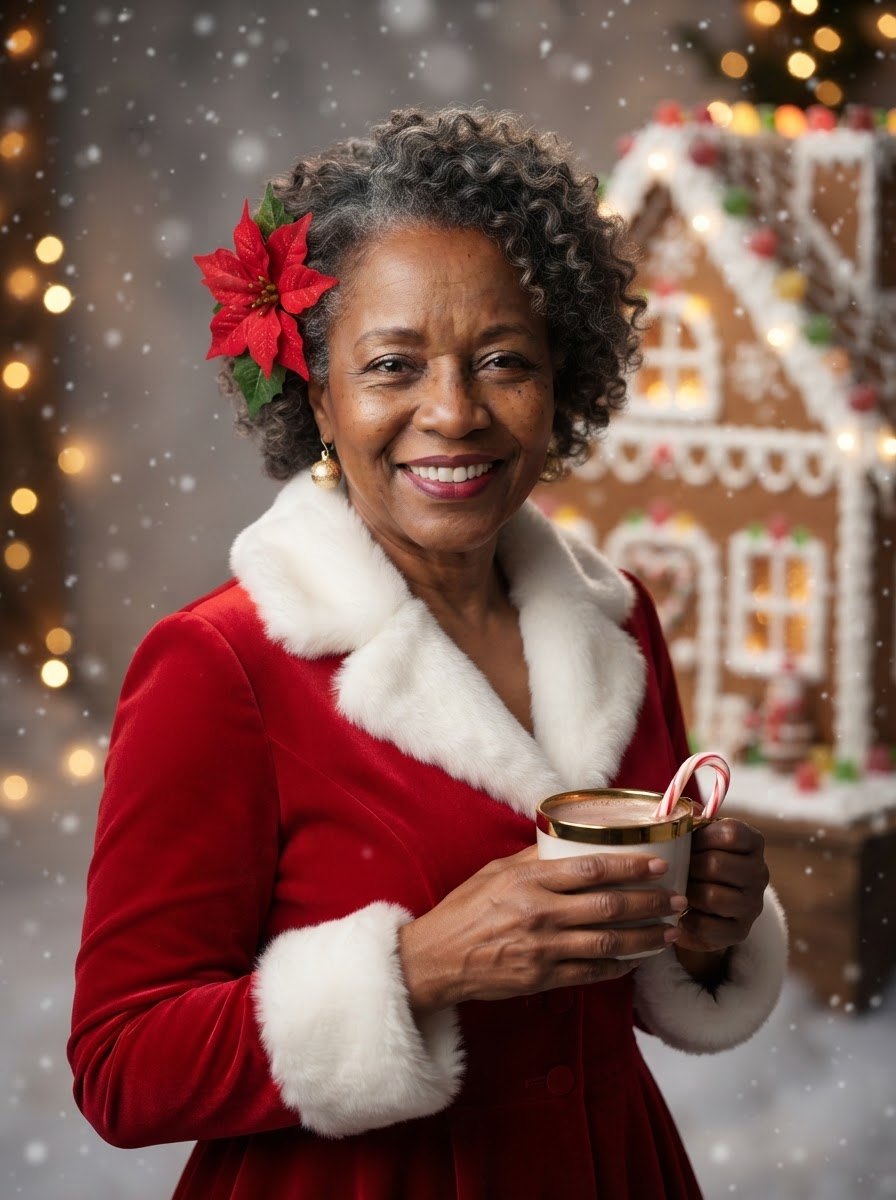
These prompts are for people who'd rather do it themselves in an image tool that takes a photo, like ChatGPT or Gemini. Copy one, attach your photo and send it. They're written around the thing these tools get wrong most often, which is your face, and around the mistakes we saw when we ran a dozen of them ourselves. What we learned is further down. If you'd rather skip prompts altogether, HiWith's cards are already written and tested: pick a scene, add a photo of each person, and it's ready about 20 seconds after you pay.
26 prompts to copy
Tap Copy, then paste it into your image tool with your photo.
Portraits of one person
Family and groups
Kids
Couples
Pets
Funny
Art styles
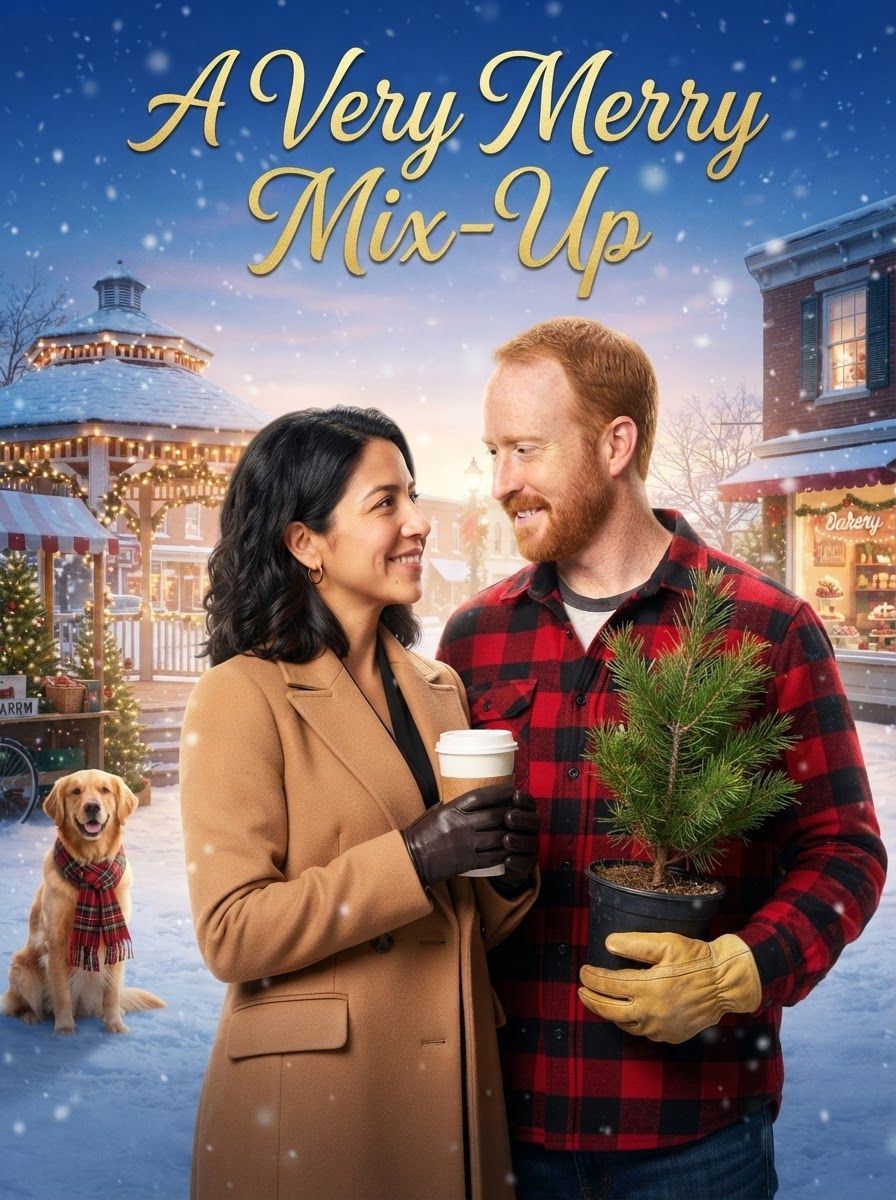
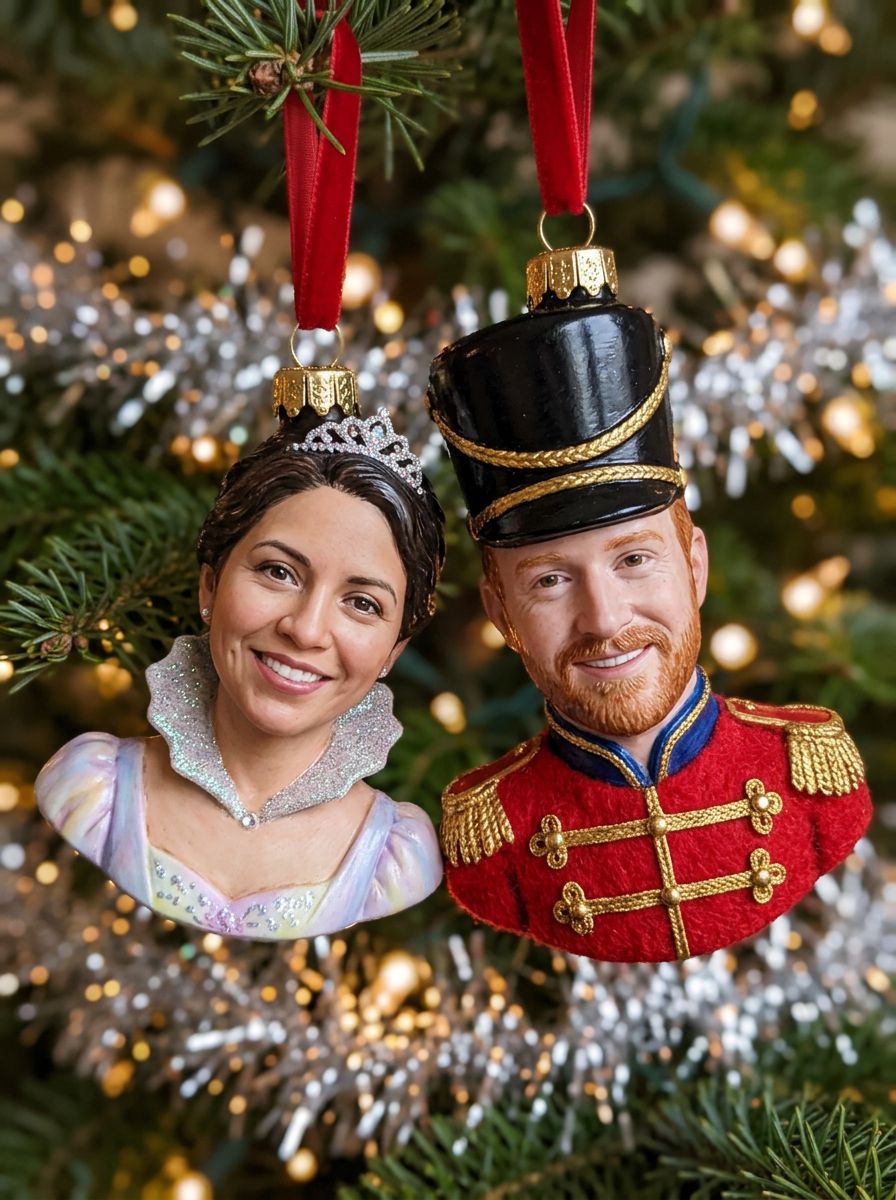
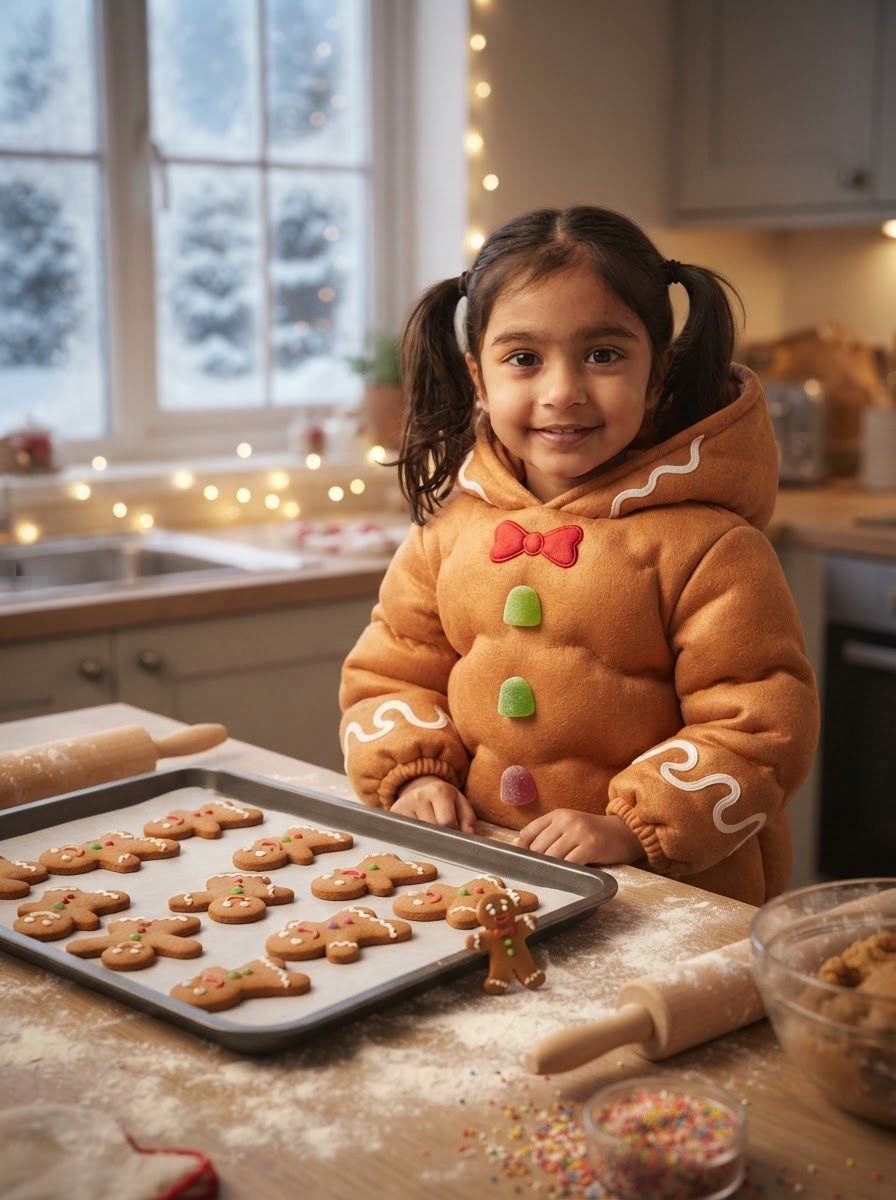
Christmas cards made from your photos
What we learned running them
On November 4, 2026 we ran 12 of these prompts once each on Google's Gemini 3.1 Flash Image model through its API, using synthetic test people, so no real person's photo. Every face we could see still looked like the test person, including the three-person family and the 1950s illustration. Here's what went wrong. We changed the prompts above to avoid these mistakes, but we haven't re-run the changed versions.
- Name the outfit. In the three prompts where we didn't, the person kept the clothes from their photo: a cardigan by the fire, a denim jacket in the Christmas lights, a plaid shirt in the 1950s painting.
- Ask for the camera. "Half turned to the camera" gave us mostly the back of a child's head. If you want the face, write "looking at the camera".
- Say nobody else is there. The ugly sweater party came back full of strangers because the prompt said "party" and didn't say who was at it.
- Send one photo per person and say how many. Both family prompts came back with exactly the right people, and nobody extra.
How to keep your face in an AI Christmas photo
- Start with a clear, front-facing photo in daylight, not a tiny face in a group shot.
- Say it outright: "Keep my exact face, hair and skin tone." Add "Don't make me look younger" if you mean it.
- Change one thing at a time when you re-run it. If the face drifts, start a new chat with the original photo instead of editing the edit.
- Add "No text." These tools still misspell words, and it's easier to add a greeting afterward.
Prompts or a ready-made card?
Use a prompt if you want full control, you enjoy the tinkering, and you've got an image tool already. Use HiWith if you want it done in a minute: the scenes are already written and checked, it takes a photo per person and handles up to five, and you get four pictures, a short video and a link you can send. That costs $4.99 a card. We're biased, obviously, but if you only need one portrait, a prompt from this page may be all you need.
How it works
- Pick a cardPilots, mermaids, rock stars, one very surprised cake. Every one shows a real example first.
- Add their photosOne clear face each, up to 5 people. A selfie is fine. No sign-up.
- See it free, then payOne picture of them in the card in about 10 seconds. Like it? Apple Pay or Google Pay, and four pictures arrive about 20 seconds later, the video in about 90.
What's the best prompt for an AI Christmas photo?
Name the scene, the light and the outfit, say where the person looks, and tell it to keep the face unchanged. For example: "Edit my photo into a Christmas portrait beside a decorated tree at night. A cream knit sweater, warm light from the tree. Keep my exact face, hair and skin tone. No text."
How do I put my whole family in one AI Christmas photo?
Attach one clear photo per person, say how many people there are, and tell it to add nobody: "Use the three people in these three photos. Keep every face exactly the same." Ask for every face to be clearly visible, or someone tends to end up half hidden.
Can I use these prompts in ChatGPT or Gemini?
They're plain English, so they'll work in any image tool that accepts a photo. We tested a sample on Google's Gemini image model through its API, not in the apps, and we haven't tested them in ChatGPT, so expect some differences. Run a prompt twice before you judge it.
Is it safe to upload my kids' photos to an AI tool?
Read the tool's settings before you do, and check whether uploads can be used for training and whether you can turn that off. At HiWith, kids' photos are used only to make your card, never to train AI, and are deleted after 30 days unless you keep the card.
Do I need to write a prompt to use HiWith?
No. Each card is already written and checked, so you just pick a scene and add a photo of each person. There's no prompt box. It's $4.99 for four pictures and a short video, or $7.99 a month for up to 10 cards with HiWith Pro.